










LONGEVITY PAD
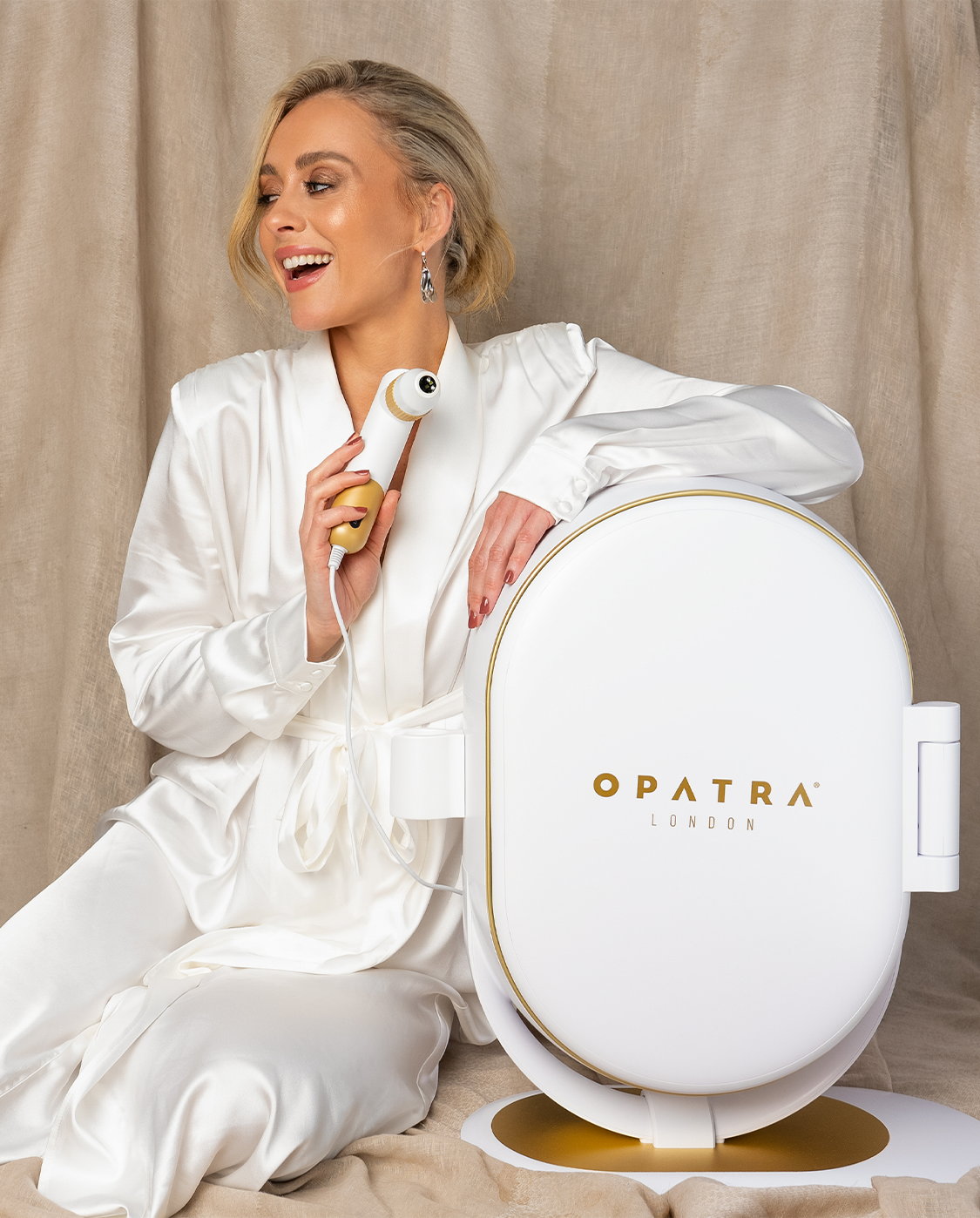
Das OPATRA Longevity Pad, eine hochwertige Ganzkörper-Lichttherapie-Lösung, die zur Förderung von Entspannung, Regeneration und allgemeinem Wohlbefinden im Alltag entwickelt wurde.
Mit 1.566 hochdichten LEDs mit rotem Licht (660 nm), Nahinfrarot (850 nm) und gelbem Licht (590 nm)bietet es ein individuell anpassbares Lichttherapie-Erlebnis, wo immer Sie es benötigen.
Mit einstellbarer Intensität, einem individuell anpassbaren Timer, einem flexiblen Ganzkörper-Design und der Möglichkeit zum Aufladen unterwegs ist das Longevity Pad ideal für sowohl zu Hause als auch für professionelle Wellness-Einrichtungen.
Geschätzter Versand
3 bis 5 Arbeitstage.
Lebenslange Garantie
Anmeldung erforderlich.
 Vorteile
 Vorteile
Technologie
TechnologieWie benutzen
Wie benutzen




Kopfzeile
Nutzen Sie diese Inhalte, um Informationen über Ihr Geschäft und Ihre Produkte weiterzugeben.