

















AEYE
Intelligent Voice-Activated LED Eye Care
Speak. Illuminate. Elevate.
Speak. Illuminate. Elevate.
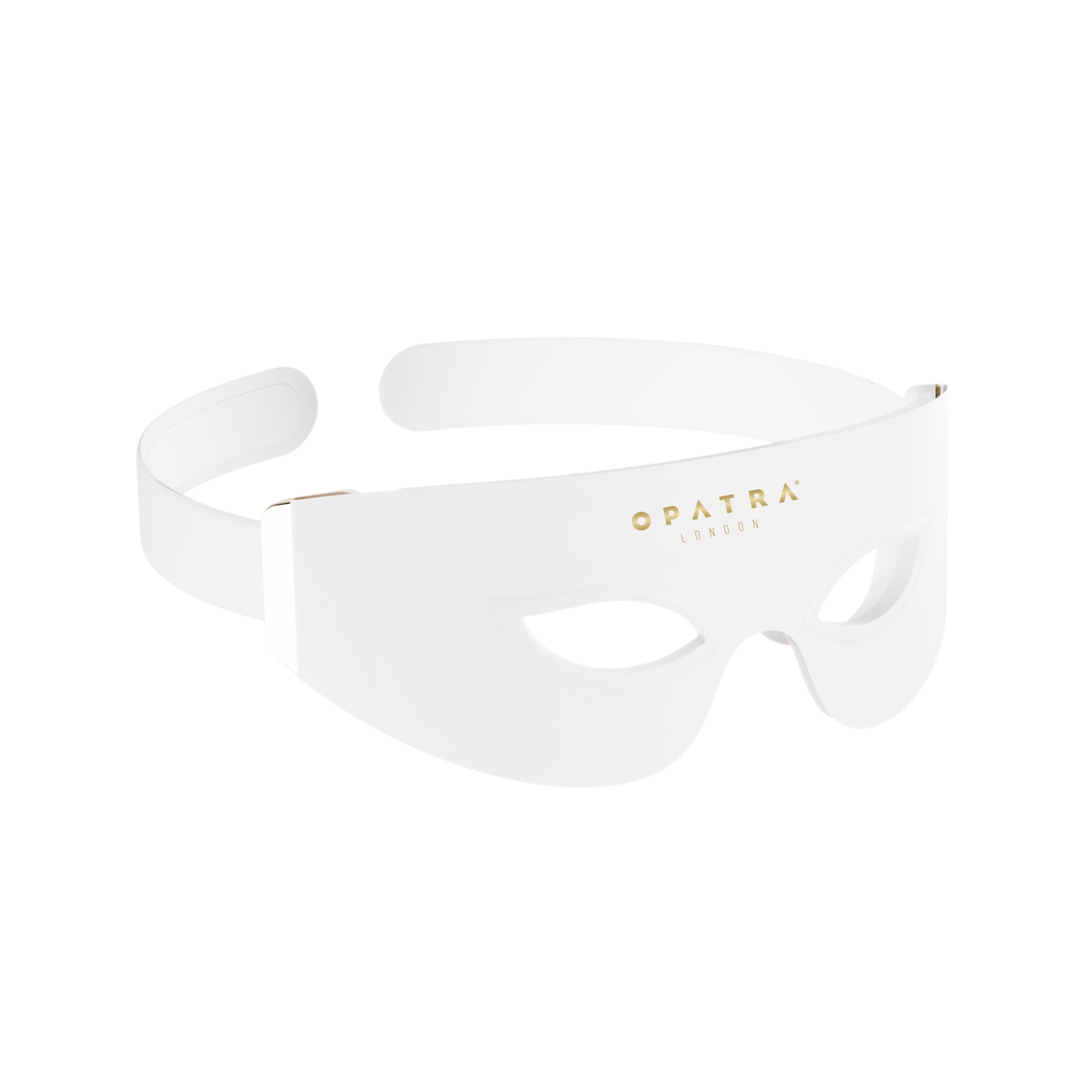
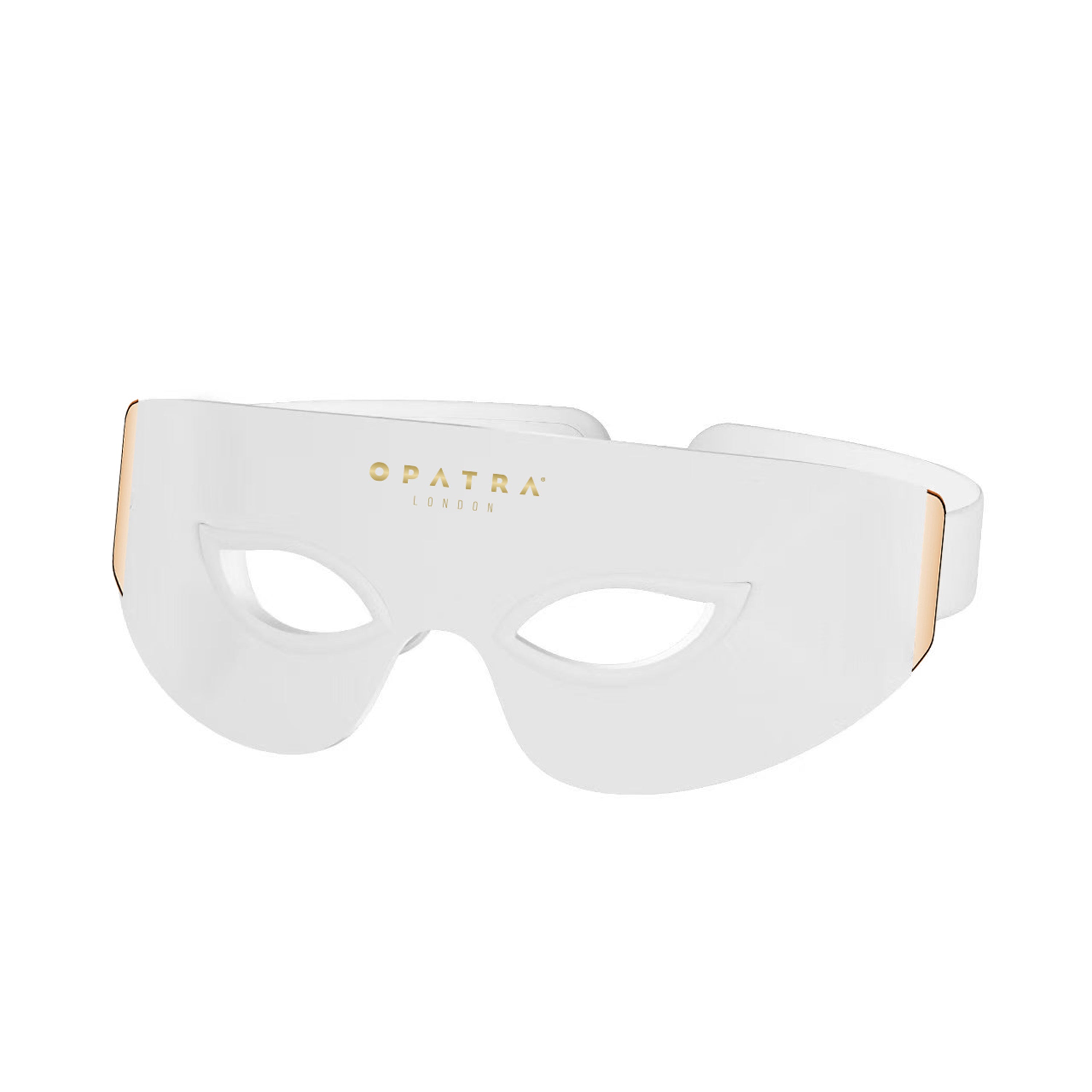
OPATRA® AEye is an intelligent, voice-activated eye care device designed to elevate your skincare routine with effortless sophistication. Featuring ultra-soft, skin-friendly silicone, it gently contours the delicate eye area while delivering targeted LED light to help enhance the appearance of the skin around the eyes.
With simple voice commands, you can select from seven specialised LED colours — Red, Amber, Green, Near-Infrared, Cyan, Purple, and Yellow — each designed to support refreshed, revitalised-looking eyes, helping to reduce the appearance of puffiness and soften visible signs of ageing.
Estimated Shipping
3 to 5 working days.
Lifetime Warranty
Registration required.
 Benefits
 Benefits
Technology
TechnologyHow to use
How to use




Header
Use this content to share information about your store and products.